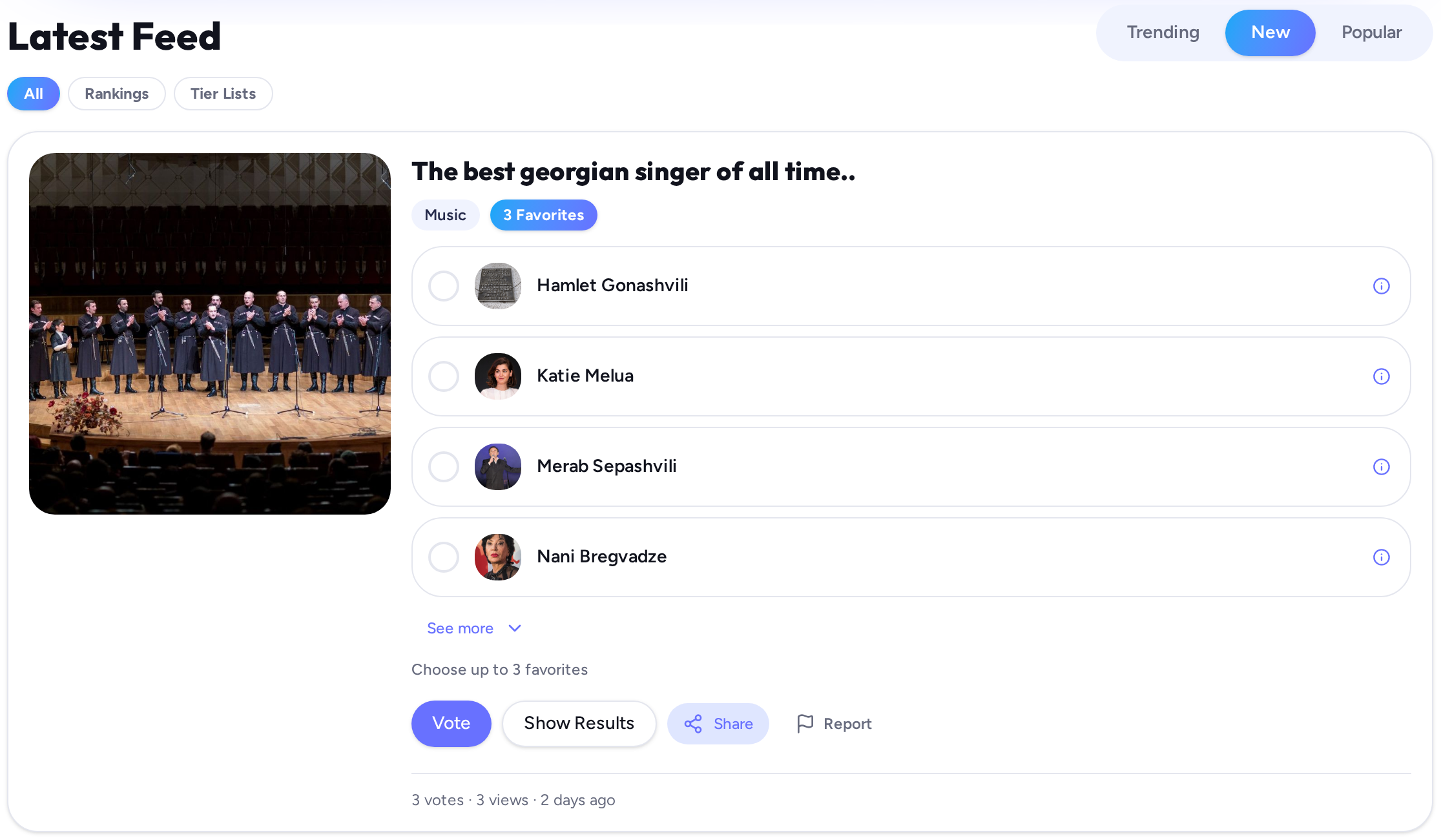
HOW IT WORKS - Instructions
Turn your ideas into content people want to EXPLORE.
Start with an idea, shape it your way and reveal what people really think...
One platform, many formats
- Rankings
- Tier Lists
- Tournaments & More coming soon...
Creating Content
Choose the content type you want to create, add your question or topic and shape it the way you want.
Today, you can create Rankings and Tier Lists, with more formats coming in the future.
- 1
Choose a content type
- 2
Add your question and cover image
- 3
Add candidates manually or with Rangi AI
- 4
Customize the details before publishing
- 5
Publish and share through different social media!
How Voting & Results Work
Rankings
One Answer: Pick one. Results show the percentage breakdown of all votes.
3 Favorites: Pick three. The candidates chosen most frequently rank highest.
Rank All: Order the entire list. Higher spots get more points toward the combined community score.
Tier Lists
Group candidates by tier. Rangi averages everyone’s placements into a shared Community Tier and reveals the full vote distribution for each candidate.
If overall scores leave the top tier empty, Rangi automatically awards the top spot to the candidate with the highest number of top-tier votes.
Who is your favorite?
Results
How Rangi AI Suggestions Work
If you need a little help, no problem! Rangi AI can suggest relevant candidates and short descriptions based on your question.
But even in this case you stay in control – you can add candidates yourself, replace the ones you don't like, reimagine alternatives or edit everything manually.
Please Note: Candidate Photos
AI suggests candidates and descriptions. Photos are gathered separately from open image libraries, so they may occasionally be missing or not perfectly match the candidate.
You can always replace or add any photo yourself.
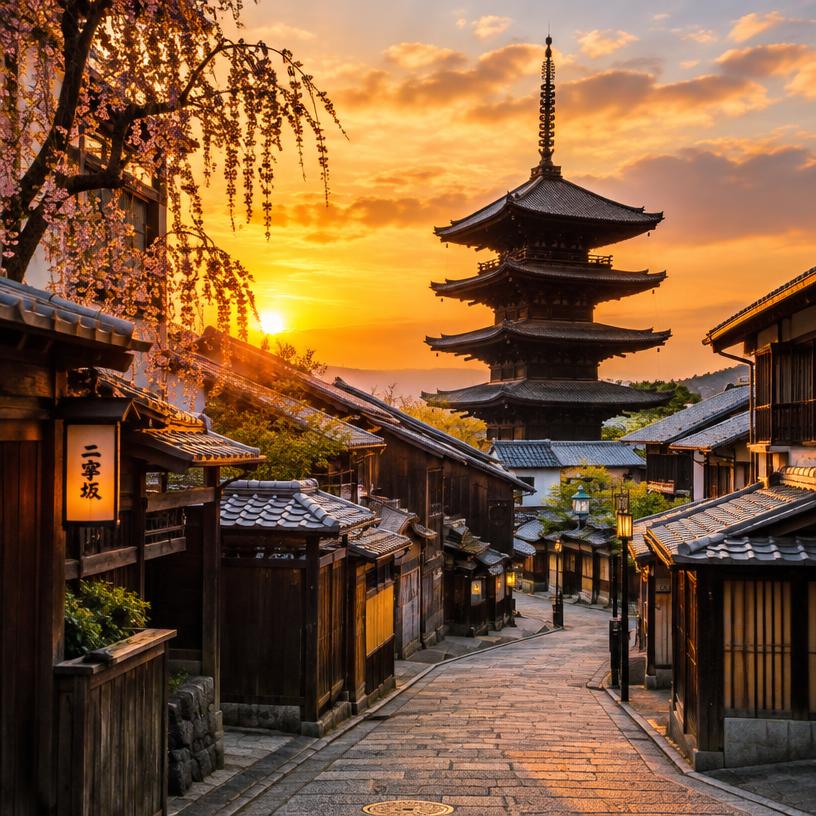
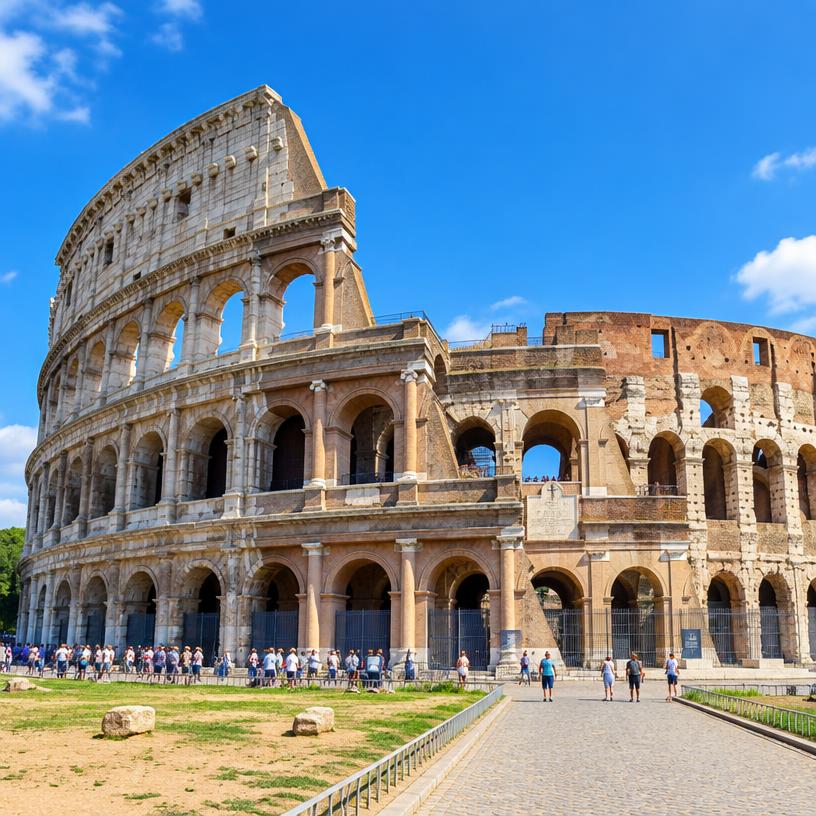

Add & Customize Images
Give your content the right look. Add a cover image to your content and individual images to your candidates. You can upload your own image or use Rangi's built-in image search.
- 1
Add an image
Click the image area on a cover or candidate and choose how you want to add a photo.
- 2
Search with Rangi
Type what you're looking for and Rangi searches open image libraries for suitable images you can use.
- 3
Choose and customize
Select the image you like, that fits your content.
- 4
Replace it anytime
Not happy with the result? Search again, upload another image or remove it and choose something different.
About Rangi Image Search
Rangi searches openly available image libraries and keeps available source and licence information with the selected image. Search results may vary depending on the subject, and some candidates may have fewer suitable images available.
Also, note that images must be 8 MB or smaller.
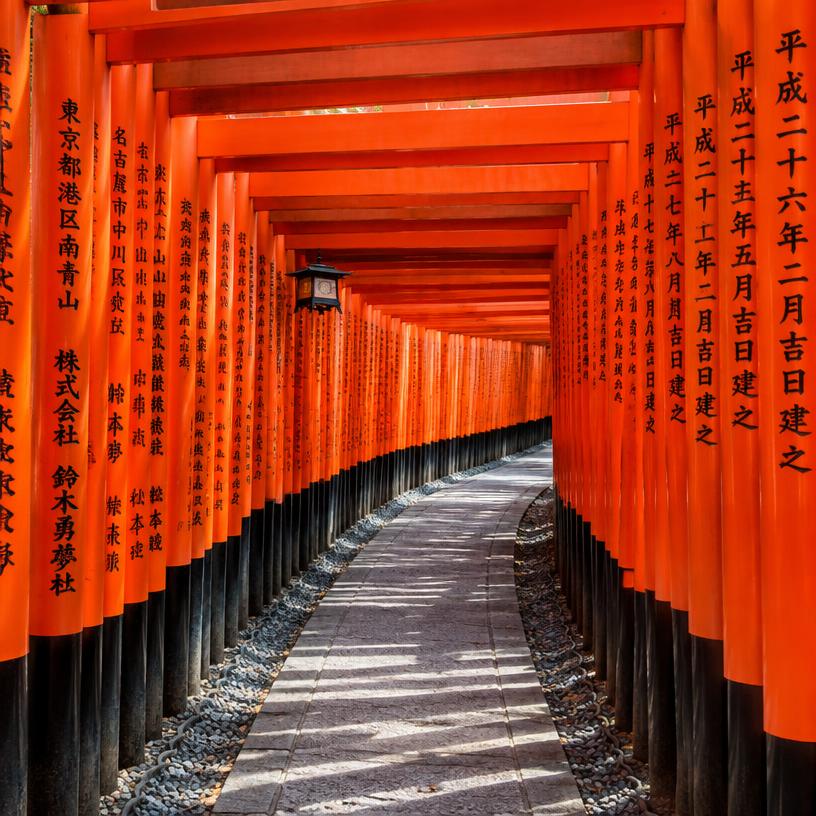
Publish Your Content
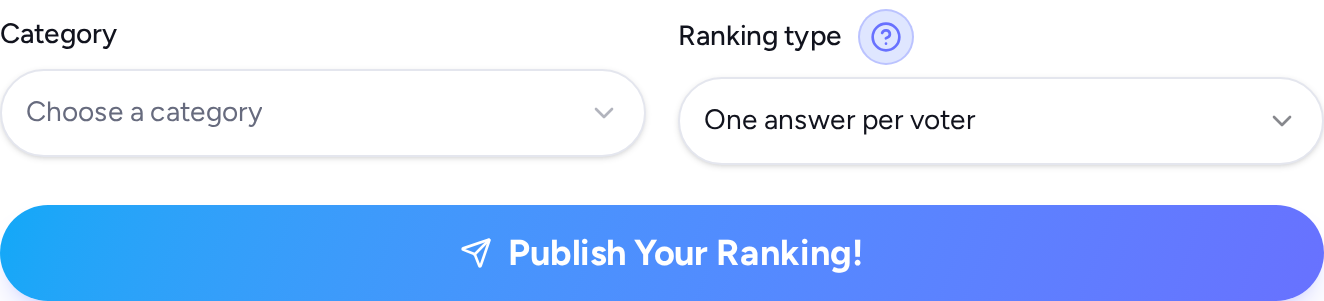
Once everything looks right, review your content and publish it for the Rangi's community to discover.
- 1
Review your question, cover, candidates and details
- 2
Make any final edits
- 3
Publish and share it through any social media!
Your content is now live and ready for people to explore & vote.
Can I edit my content after publishing?
Absolutely, but remember you have to save the private edit link!
After publishing you get two links: one to share with your friends, family and other interested people & one specially for you – a private link. Save it, and with that you can edit your content at any moment.
Your links
Edit rules
Before the first vote you can edit the question, structure and candidates' names.
After one vote is registered, the structure is locked – question and candidates' names can't change. You can still change images and delete your content.
ImagesCoverDelete content
How the Feed Works
The Rangi feed is where the community discovers what's happening across the platform.
Explore different content types, browse by category, switch between Trending, New and Popular to find what interests you most.
- 1
Discover content in the feed
- 2
Filter by content type or category
- 3
Open something that interests you
- 4
Vote, explore results and keep discovering